GoGoCard
Apple PayGoogle PayPayPalAlipay

Tu tarjeta en línea, desde cualquier parte del mundo

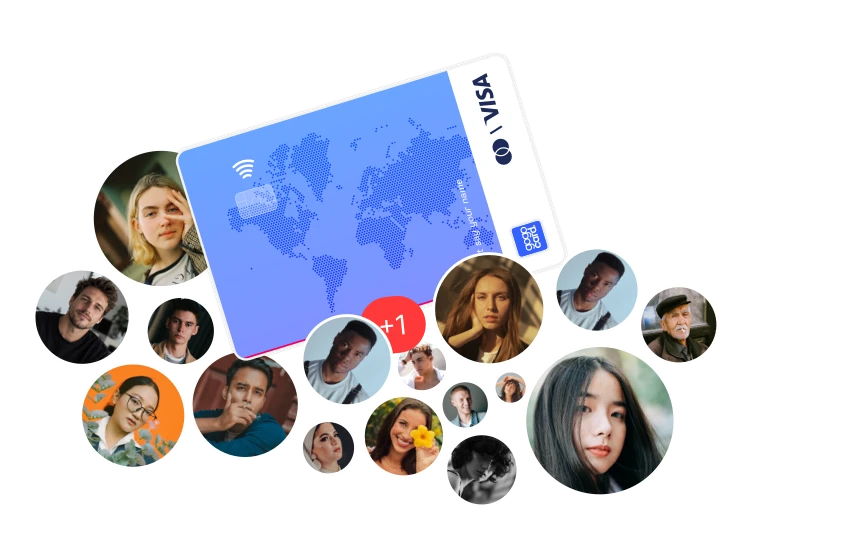
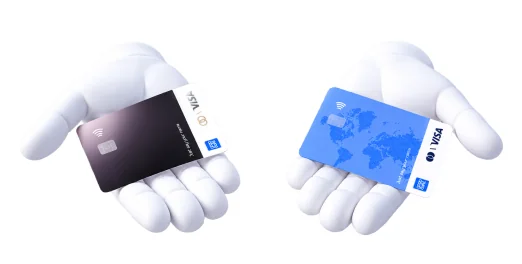
Emite una tarjeta Visa o MasterCard virtual o física y paga en línea y en tiendas en más de 180 países, recargando con USDT

GoGoCard
Pagos sin restricciones

Abre tu cuenta y tu tarjeta en 2 minutos

Recarga sencilla

Recarga tu tarjeta con criptomonedas en las redes disponibles (TRON (TRC20), BSC (BEP20), Ethereum (ERC20), TON) u otros métodos

Mantenimiento gratuito — 0$

La comisión de mantenimiento es de 0$ en todos los tipos de tarjeta, para siempre

Pagos sin fronteras

Cobertura en más de 180 países del mundo, incluidos toda la UE, Estados Unidos, Canadá, el Reino Unido y Japón. ¡Empieza a explorar el mundo hoy mismo con GoGoCard!

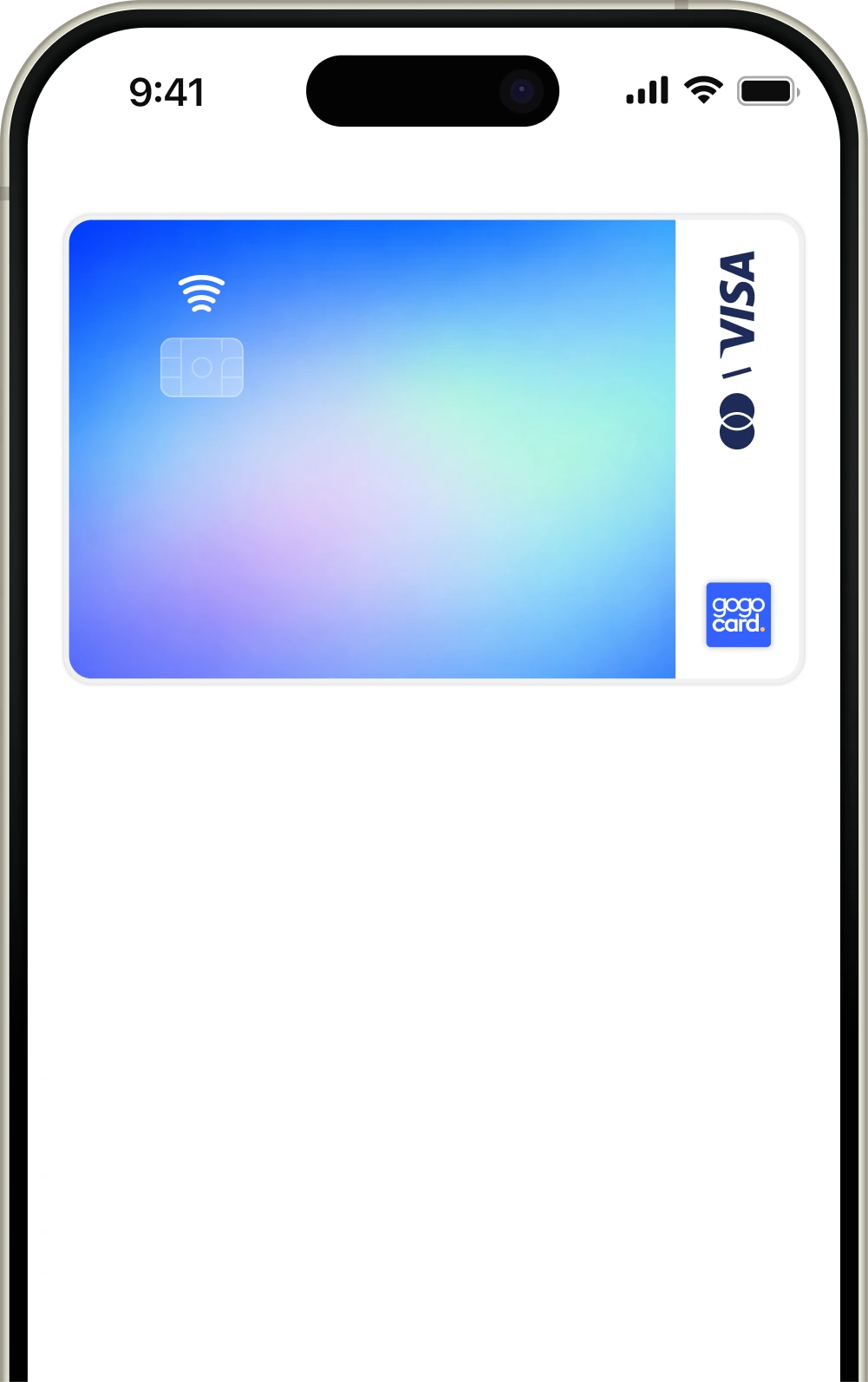
Vincula la tarjeta a ApplePay y GooglePay
Apple PayGoogle Pay

Paga tus compras en tiendas y en línea en todo el mundo con tu smartphone: rápido y sin restricciones

Opciones de pago

Paga tus suscripciones favoritas

Vincula la tarjeta a tus servicios favoritos, como ChatGPT, Claude, Spotify, Netflix y muchos otros

Reserva hoteles y vuelos

Reserva y paga hoteles, apartamentos y vuelos en los principales servicios de reservas, como Booking, Airbnb, Trip.com o Agoda

Úsala para trabajar

Usa la tarjeta en negocios, desarrollo de soluciones, productividad, compras, marketplaces y comercio electrónico, creación de contenido y adquisición de materiales para tu trabajo

Millones de servicios en tu tarjeta

Netflix
Netflix
Spotify
Spotify
YouTube Music
YouTube Music
YouTube Premium
YouTube Premium
Apple Music
Apple Music
HBO MAX
HBO MAX
Hulu
Hulu
Amazon Prime
Amazon Prime
Soundcloud
Soundcloud
Tidal
Tidal
Deezer
Deezer
Crunchyroll
Crunchyroll
Disney+
Disney+
Apple TV+
Apple TV+
Paramount+
Paramount+

La lista de servicios es orientativa y general. Para garantizar el pago, utiliza el tipo de tarjeta que corresponda a las especificaciones.

La confianza de los usuarios desde 2022

Nuestros resultados

100K+

Más de 100.000 usuarios en todo el mundo

1M+

Más de 1 millón de transacciones al año

4+

Más de 4 años en línea

180+

Cobertura internacional completa

Cómo abrir una cuenta y una tarjeta bancaria internacional

1.

Crea una cuenta gratis

Registrarse
2.

Completa una sencilla verificación (KYC): no te llevará más de un minuto

3.

Elige y emite tu primera tarjeta

Varios tipos de tarjeta para cualquier objetivo

4.

Deposita fondos en tu cuenta GoGoID y luego recarga la tarjeta elegida

Más detalles — cómo recargar la tarjeta

5.

Empieza a pagar en tiendas y en línea: añade la tarjeta a tus billeteras y paga tus compras diarias

Tu tarjeta siempre contigo

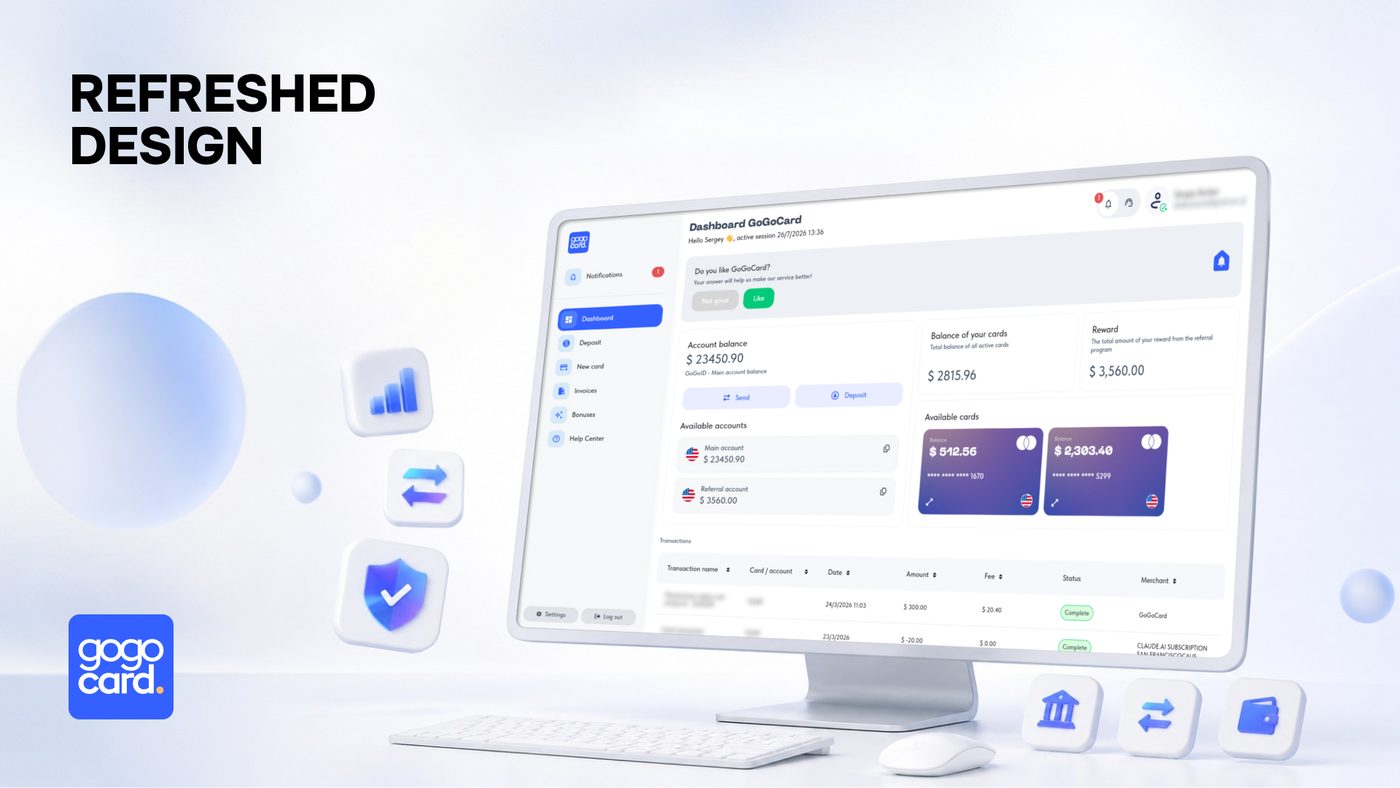
Accede a tu cuenta desde cualquier dispositivo

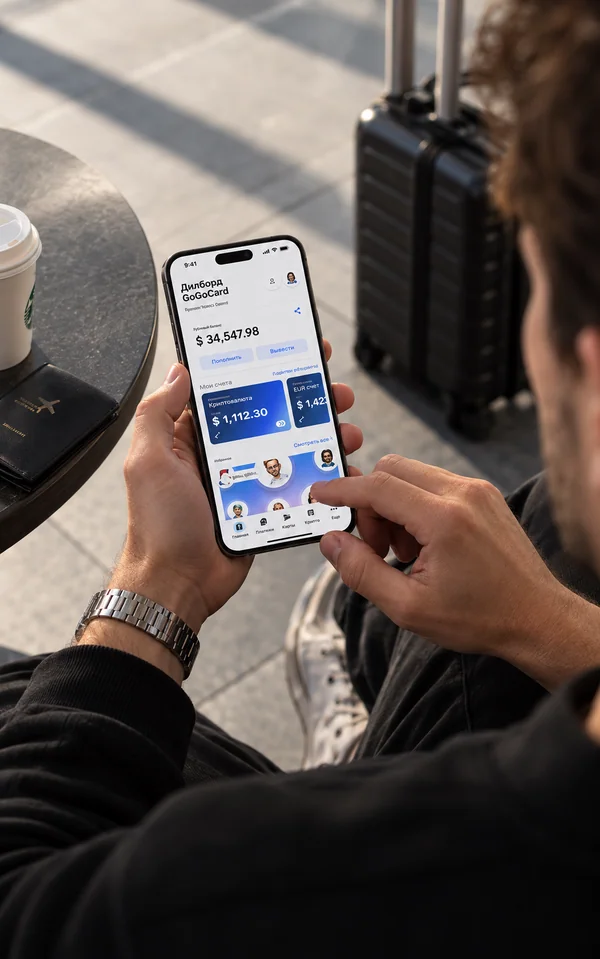
Están disponibles tanto la versión de escritorio como la versión móvil de tu cuenta. Para usar tu cuenta de GoGoCard no necesitas instalar nada ni ejecutar bots en mensajeros de terceros

Crea una cuenta gratis
Accede a tu cuenta desde cualquier dispositivo

¿Tienes más preguntas?

Encontrarás más respuestas en nuestro Centro de ayuda o en los Artículos

If you've already reviewed our cards and are ready to make your choice, you'll need to:

  • Go to your account from any device and complete a simple registration, making sure to enter your real name.

  • In your personal account, open the "New card" menu, then select the relevant product, fill in the additional information, and choose a payment method.

Important

If you chose to pay from your GoGoID account, you'll need to top it up first.

If your order includes plastic cards, they'll appear in your personal account within 24-48 hours after issuance and successful payment, after which you can immediately use the card for online and offline payments. After receiving the physical card, don't throw away the envelope — it contains the activation code. To activate, click the "Card activation" button on the main page of your personal account and follow the instructions.

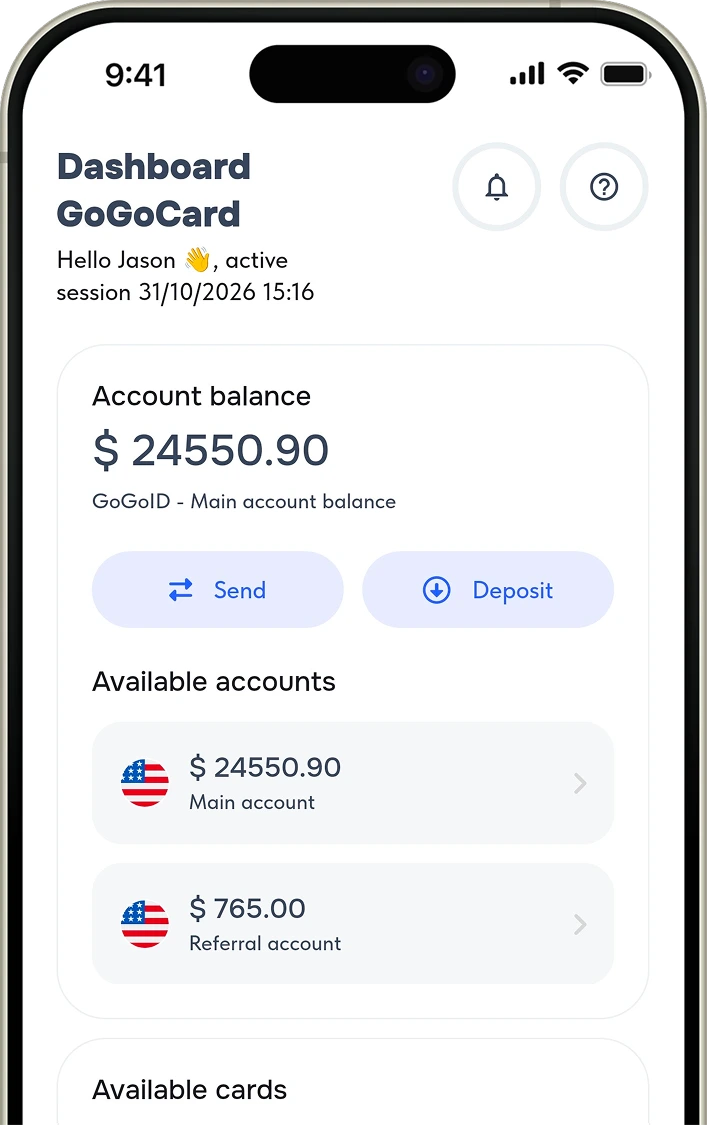
With GoGoCard you have your own account from which you can make deposits, transfers, and issue new cards.

1. GoGoID account — your internal wallet. Here you make deposits via standard methods or cryptocurrency, store and transfer funds, and it's where money is debited when issuing new cards and for various fees. You can't make payments or withdraw cash directly from the GoGoID account.

2. Your card — used for payments and cash withdrawals. To top up, select the card you need and click "Top up." You'll be taken to the deposit page for transferring from your GoGoID account; enter the top-up amount in US dollars ($) and click "Confirm." Balances aren't linked automatically: funds are credited from the GoGoID account to the card, but not back.

First you have to make a deposit to the account -> after that you can top up the selected card.

You can top up your account only using the methods that are available in your account.

You can start earning with GoGoCard and receive $5 for every card issued!

Share your referral link with a friend — you'll receive $5 for each new card they issue, and your friend will also receive $5 on his first card.

To receive the reward, the referral must follow your link, register, and issue a card. The reward is credited for every card ever issued by a specific referral.

  • You can place your link on any public resource (blog, social media page, chat, website).
  • The reward is credited to your main account within 72 hours after each card is issued to a referral.
  • Not compatible with other referral links or promo codes.
  • You cannot apply the referral link to yourself.

Whether you're an individual or a company, you need to create a account to generate a referral link and receive payouts. If you plan to use the referral system on behalf of a company, contact support to change the name in your personal account (corporate status).

You can also go to our referral program page for more details!

Make sure your card type supports NFC (contactless) payments and that Apple Pay or Google Pay support is listed in the card's specifications.

Important

Before starting the procedure, make sure that your card balance is more than $0.

To add a card to Apple Pay or Google Pay, open Wallet (iOS) or Google Wallet settings (Android) and add your card details. Then choose confirmation via email.

Depending on the card type, the verification code will be available in:

  • the notifications menu in your account;
  • your email.

We recommend going to our articles page and read more detailed instructions.

Detailed terms on fees and limits are available on the this page.

To activate your account and issue your first card, you'll need to complete verification. The process takes no more than 1 minute and is required in accordance with international KYC/AML standards and the current user agreement.

Verification unlocks access to:

  • issuing any cards;
  • topping up and paying for cards/accounts by any method;
  • transfers between accounts (including to other users);
  • withdrawing and cashing out funds (from plastic cards).

You'll need to:

  • provide a document confirming your identity;
  • take a photo (selfie).

More information is available in the AML & KYC Policy page.

Yes, we issue cards in partnership with international banks — MasterCard and Visa, primarily banks in Singapore, Hong Kong or the USA.

The GoGoCard service does not issue or issue cards in other regions.

Currently, both desktop and mobile versions of the full-featured personal account are available. You can access your account from any device.

To work with the GoGoCard account, you do not need to install anything or run bots in third-party messengers.

If you're an iOS user, go to your personal account, then in the Safari page settings tap "Add to Home Screen" — GoGoCard will appear on your home screen as an app.

Our service doesn't charge a maintenance fee. Maintenance is completely free for all card types.