GoGoCard
Apple PayGoogle Pay

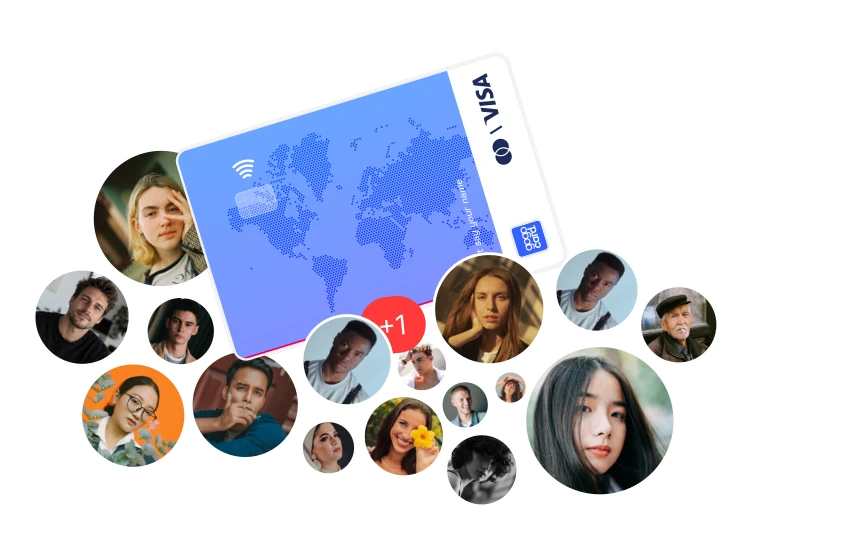
Your card online, from anywhere in the world

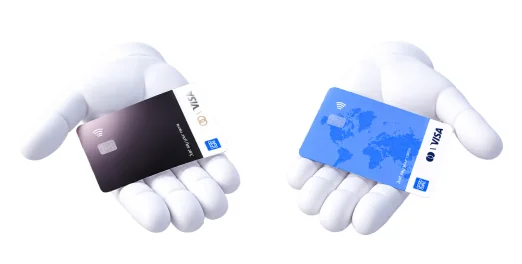
Issue a virtual Visa or MasterCard and pay online and in stores in over 180 countries, topping up with USDT

Create a free account

Open your account and card in 2 minutes

Payments without restrictions

Easy Top-Up

Top up your card using crypto in available networks (TRON (TRC20), BSC (BEP20), Ethereum (ERC20), TON) or other methods

Free service — $0

The service fee is $0 for all types of cards — forever

Payments without borders

Support in more than 180 countries around the world, including the entire EU, USA, Canada, United Kingdom and Japan. Start exploring the world today with GoGoCard!

Create a free account

Link the card to ApplePay and GooglePay
Apple PayGoogle Pay

Pay for purchases offline and online all over the world using your smartphone — quickly and without restrictions

Get an eSIM and stay connected on your trips

Payment options

Pay for your favorite subscriptions

Link the card to your favorite services, such as ChatGPT, Claude, Spotify, Netflix, and many others

Book hotels and flights

Book and pay for hotels, apartments and flights in the largest booking services, such as Booking, Airbnb, Trip.com or Agoda

Use it for work

Use the card in business, solution development, productivity, procurement, marketplaces and e-commerce, content creation and purchase of relevant materials for work

Millions of services in your card

Netflix
Netflix
YouTube Premium
YouTube Premium
Hulu
Hulu
Tidal
Tidal
Disney+
Disney+
OpenAI ChatGPT
OpenAI ChatGPT
Claude
Claude
Replicate
Replicate
Synthesia
Synthesia
Tome
Tome
Google Gemini
Google Gemini
Pika
Pika
Stable Diffusion
Stable Diffusion
Hotels.com
Hotels.com
Kayak
Kayak
Bolt
Bolt
Expedia
Expedia
Kiwi.com
Kiwi.com
Figma
Figma
Framer
Framer
Creative Market
Creative Market
Getty Images
Getty Images
CorelDRAW Graphics Suite
Splice
Splice
DaVinci Resolve
DaVinci Resolve
HeyGen
HeyGen
Udemy
Udemy
Codecademy
Codecademy
Babbel
Babbel
edX
edX
Pluralsight
Pluralsight
Basecamp
Basecamp
Confluence
Confluence
GitLab
GitLab
Microsoft 365
Microsoft 365
Linear
Linear
pCloud
pCloud
Todoist
Todoist
Later
Later
Zapier
Zapier
Steam
Steam
Xbox Live
Xbox Live
Nintendo Switch
Nintendo Switch
Battle.net
Battle.net
GeForce NOW
GeForce NOW
Etsy
Etsy
Shopify
Shopify
ASOS
ASOS
Heroku
Heroku
DigitalOcean
DigitalOcean
GoDaddy
GoDaddy
Microsoft Azure
Microsoft Azure
n8n
n8n
Mailchimp
Mailchimp
Supabase
Supabase
Replit
Replit
Netflix
Netflix
YouTube Premium
YouTube Premium
Hulu
Hulu
Tidal
Tidal
Disney+
Disney+
OpenAI ChatGPT
OpenAI ChatGPT
Claude
Claude
Replicate
Replicate
Synthesia
Synthesia
Tome
Tome
Google Gemini
Google Gemini
Pika
Pika
Stable Diffusion
Stable Diffusion
Hotels.com
Hotels.com
Kayak
Kayak
Bolt
Bolt
Expedia
Expedia
Kiwi.com
Kiwi.com
Figma
Figma
Framer
Framer
Creative Market
Creative Market
Getty Images
Getty Images
CorelDRAW Graphics Suite
Splice
Splice
DaVinci Resolve
DaVinci Resolve
HeyGen
HeyGen
Udemy
Udemy
Codecademy
Codecademy
Babbel
Babbel
edX
edX
Pluralsight
Pluralsight
Basecamp
Basecamp
Confluence
Confluence
GitLab
GitLab
Microsoft 365
Microsoft 365
Linear
Linear
pCloud
pCloud
Todoist
Todoist
Later
Later
Zapier
Zapier
Steam
Steam
Xbox Live
Xbox Live
Nintendo Switch
Nintendo Switch
Battle.net
Battle.net
GeForce NOW
GeForce NOW
Etsy
Etsy
Shopify
Shopify
ASOS
ASOS
Heroku
Heroku
DigitalOcean
DigitalOcean
GoDaddy
GoDaddy
Microsoft Azure
Microsoft Azure
n8n
n8n
Mailchimp
Mailchimp
Supabase
Supabase
Replit
Replit
Apple Music
Apple Music
Amazon Prime
Amazon Prime
Deezer
Deezer
Apple TV+
Apple TV+
Cursor
Cursor
Perplexity
Perplexity
ElevenLabs
ElevenLabs
Copilot
Copilot
Lumen5
Lumen5
Leonardo AI
Leonardo AI
Qwen
Qwen
Booking.com
Booking.com
Agoda
Agoda
Uber
Uber
Grab
Grab
Trip.com
Trip.com
Webflow
Webflow
Canva
Canva
Elementor
Elementor
Shutterstock
Shutterstock
Depositphotos
Depositphotos
Epidemic Sound
Epidemic Sound
AudioJungle
AudioJungle
VEED
VEED
Scribd
Scribd
Skillshare
Skillshare
Brilliant
Brilliant
Preply
Preply
Udacity
Udacity
TradingView
TradingView
Box
Box
Dropbox
Dropbox
iCloud
iCloud
Notion
Notion
Google One
Google One
Slack
Slack
Zoom
Zoom
Semrush
Semrush
App Store
App Store
Epic Games
Epic Games
PlayStation Plus
PlayStation Plus
EA Play
EA Play
Discord Nitro
Discord Nitro
Shadow
Shadow
AliExpress
AliExpress
WooCommerce
WooCommerce
Shein
Shein
Vercel
Vercel
Amazon Web Services (AWS)
Namecheap
Namecheap
Dynadot
Dynadot
Make
Make
SendGrid
SendGrid
Codex
Codex
Windsurf
Windsurf
Spotify
Spotify
Apple Music
Apple Music
Amazon Prime
Amazon Prime
Deezer
Deezer
Apple TV+
Apple TV+
Cursor
Cursor
Perplexity
Perplexity
ElevenLabs
ElevenLabs
Copilot
Copilot
Lumen5
Lumen5
Leonardo AI
Leonardo AI
Qwen
Qwen
Booking.com
Booking.com
Agoda
Agoda
Uber
Uber
Grab
Grab
Trip.com
Trip.com
Webflow
Webflow
Canva
Canva
Elementor
Elementor
Shutterstock
Shutterstock
Depositphotos
Depositphotos
Epidemic Sound
Epidemic Sound
AudioJungle
AudioJungle
VEED
VEED
Scribd
Scribd
Skillshare
Skillshare
Brilliant
Brilliant
Preply
Preply
Udacity
Udacity
TradingView
TradingView
Box
Box
Dropbox
Dropbox
iCloud
iCloud
Notion
Notion
Google One
Google One
Slack
Slack
Zoom
Zoom
Semrush
Semrush
App Store
App Store
Epic Games
Epic Games
PlayStation Plus
PlayStation Plus
EA Play
EA Play
Discord Nitro
Discord Nitro
Shadow
Shadow
AliExpress
AliExpress
WooCommerce
WooCommerce
Shein
Shein
Vercel
Vercel
Amazon Web Services (AWS)
Namecheap
Namecheap
Dynadot
Dynadot
Make
Make
SendGrid
SendGrid
Codex
Codex
Windsurf
Windsurf
Spotify
Spotify
Soundcloud
Soundcloud
Crunchyroll
Crunchyroll
Paramount+
Paramount+
Midjourney
Midjourney
Runway
Runway
Murf AI
Murf AI
Tabnine
Tabnine
Krea.ai
Krea.ai
Ideogram
Ideogram
DeepSeek
DeepSeek
Airbnb
Airbnb
Skyscanner
Skyscanner
Lyft
Lyft
Airalo
Airalo
Omio
Omio
Tilda
Tilda
Sketch
Sketch
Envato Elements
Envato Elements
iStock
iStock
Procreate
Procreate
Artlist
Artlist
CapCut
CapCut
InVideo
InVideo
Coursera
Coursera
MasterClass
MasterClass
Duolingo
Duolingo
italki
italki
DataCamp
DataCamp
Airtable
Airtable
ClickUp
ClickUp
Evernote
Evernote
Jira
Jira
OneDrive
OneDrive
Asana
Asana
Trello
Trello
Google Ads
Google Ads
Miro
Miro
Google Play
Google Play
Xbox Game Pass
Xbox Game Pass
PlayStation Store
PlayStation Store
Ubisoft+
Ubisoft+
Twitch
Twitch
Amazon
Amazon
Temu
Temu
iHerb
iHerb
GitHub
GitHub
Netlify
Netlify
Google Cloud
Google Cloud
Cloudflare
Cloudflare
JetBrains
JetBrains
Nebius
Nebius
GetResponse
GetResponse
Lovable
Lovable
YouTube Music
YouTube Music
HBO MAX
HBO MAX
Soundcloud
Soundcloud
Crunchyroll
Crunchyroll
Paramount+
Paramount+
Midjourney
Midjourney
Runway
Runway
Murf AI
Murf AI
Tabnine
Tabnine
Krea.ai
Krea.ai
Ideogram
Ideogram
DeepSeek
DeepSeek
Airbnb
Airbnb
Skyscanner
Skyscanner
Lyft
Lyft
Airalo
Airalo
Omio
Omio
Tilda
Tilda
Sketch
Sketch
Envato Elements
Envato Elements
iStock
iStock
Procreate
Procreate
Artlist
Artlist
CapCut
CapCut
InVideo
InVideo
Coursera
Coursera
MasterClass
MasterClass
Duolingo
Duolingo
italki
italki
DataCamp
DataCamp
Airtable
Airtable
ClickUp
ClickUp
Evernote
Evernote
Jira
Jira
OneDrive
OneDrive
Asana
Asana
Trello
Trello
Google Ads
Google Ads
Miro
Miro
Google Play
Google Play
Xbox Game Pass
Xbox Game Pass
PlayStation Store
PlayStation Store
Ubisoft+
Ubisoft+
Twitch
Twitch
Amazon
Amazon
Temu
Temu
iHerb
iHerb
GitHub
GitHub
Netlify
Netlify
Google Cloud
Google Cloud
Cloudflare
Cloudflare
JetBrains
JetBrains
Nebius
Nebius
GetResponse
GetResponse
Lovable
Lovable
YouTube Music
YouTube Music
HBO MAX
HBO MAX

The list of services is provided for reference and is generalised. For guaranteed payment, use the card type that matches the specifications.

Our results

User trust since 2022

1M+

More than 1 million transactions annually

100K+

More than 100,000 users worldwide

4+

More than 4 years online

180+

Full international coverage

How to open an account and an international bank card

1.

Create a free account

Sign up
2.

Pass a simple verification (KYC) — it takes less than a minute

3.

Choose and issue your first card

Several card types for any goal

4.

Deposit funds to your GoGoID account, then top up the selected card

Read more — how to top up a card

5.

Start paying offline and online: add the card to your wallets and pay for everyday purchases

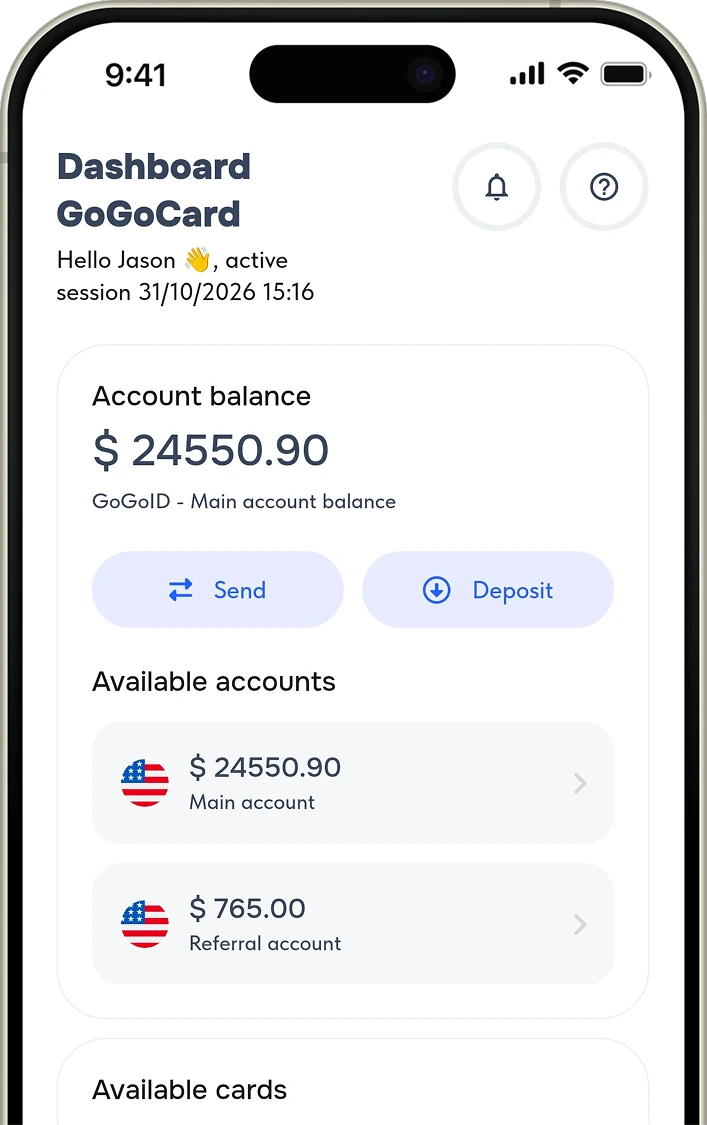
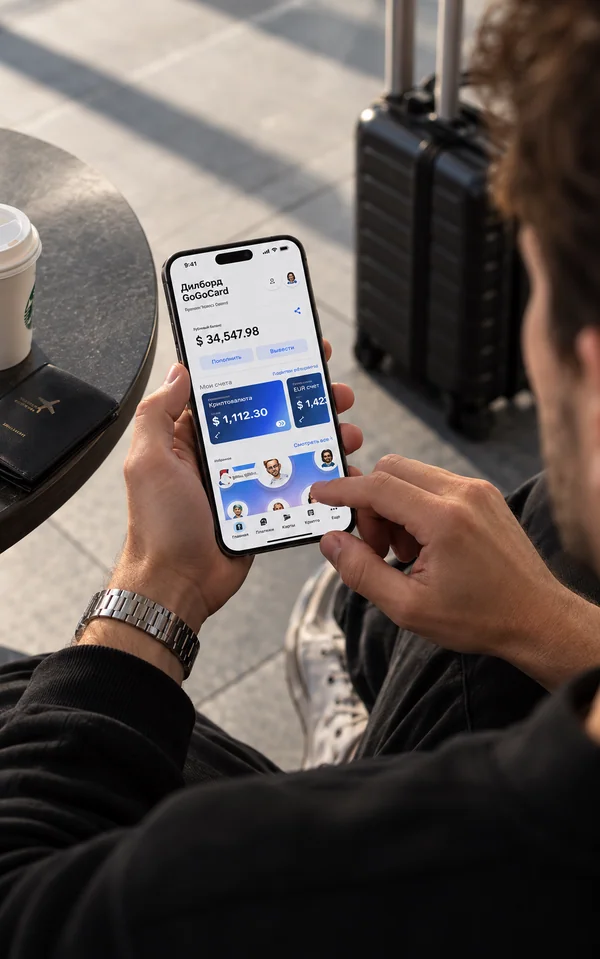
Access your account from any device

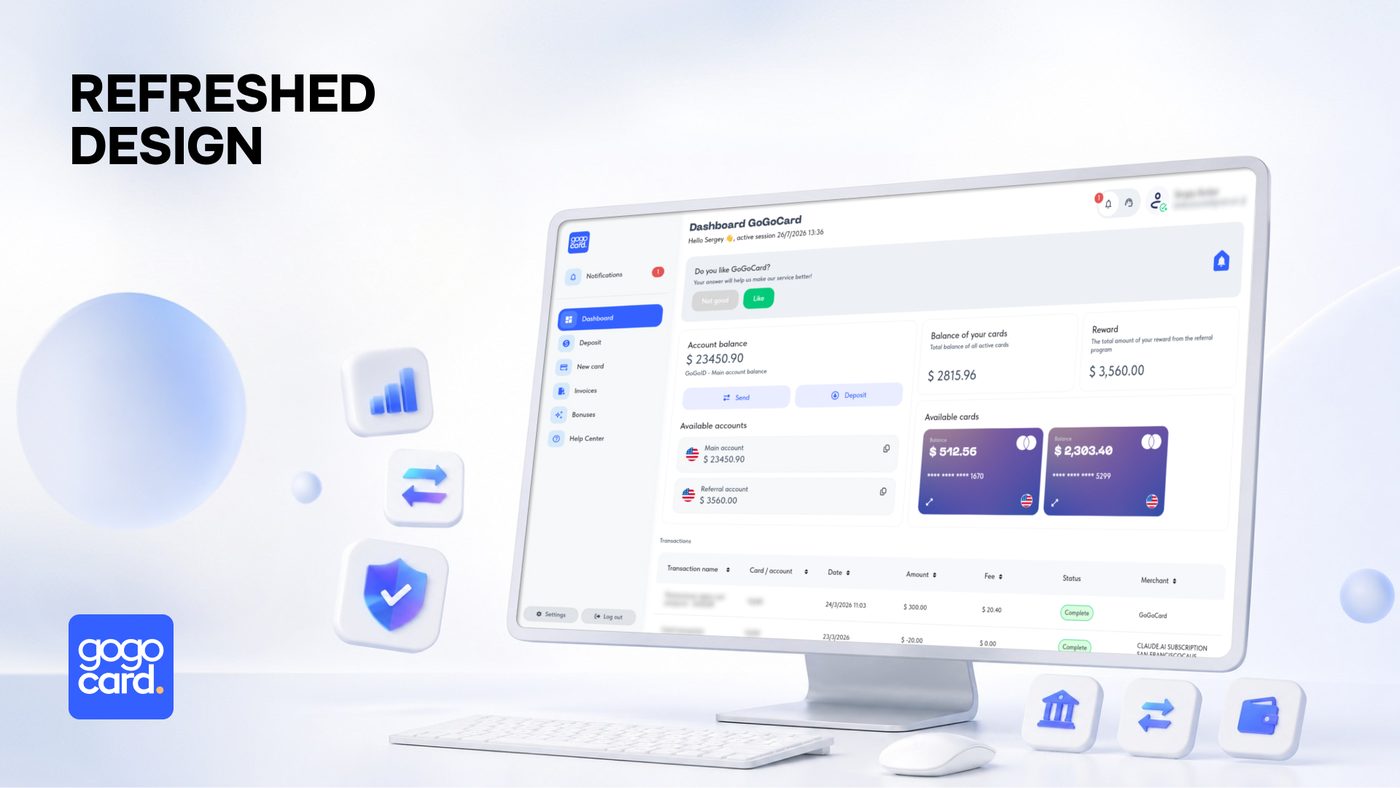
Both the desktop and mobile versions of the account are available, as well as sign-in via the Telegram Mini App! Work the way that suits you best.

Access your account from any device

Any other questions?

More answers to your questions can be found in our Help Center or in the Articles

If you've already reviewed our cards and are ready to make your choice, you'll need to:

  • Go to your account from any device and complete a simple registration. To issue a card, you'll also need to complete verification.
  • In your account, open the "New card" menu, then select the relevant product, fill in the additional information, and choose a payment method.

Important

If you chose to pay from your GoGoID account, you'll need to top it up first.

With GoGoCard you have your own account from which you can make deposits, transfers, and issue new cards.

1. GoGoID account — your internal wallet. Here you make deposits via standard methods or cryptocurrency, store and transfer funds, and it's where money is debited when issuing new cards and for various fees. You can't make payments or withdraw cash directly from the GoGoID account.

2. Your card — used for payments and cash withdrawals. To top up, select the card you need and click "Top up." You'll be taken to the deposit page for transferring from your GoGoID account; enter the top-up amount in US dollars ($) and click "Confirm." Balances aren't linked automatically: funds are credited from the GoGoID account to the card, but not back.

First you have to make a deposit to the account -> after that you can top up the selected card.

You can top up your account only using the methods that are available in your account.
You can start earning with GoGoCard and receive $5 for every card issued!

Share your referral link with a friend — you'll receive $5 for each new card they issue, and your friend will also receive $5 on his first card.

To receive the reward, the referral must follow your link, register, and issue a card. The reward is credited for every card ever issued by a specific referral.

  • You can place your link on any public resource (blog, social media page, chat, website).
  • The reward is credited to your main account within 72 hours after each card is issued to a referral.
  • Not compatible with other referral links or promo codes.
  • You cannot apply the referral link to yourself.

Whether you're an individual or a company, you need to create a account to generate a referral link and receive payouts. If you plan to use the referral system on behalf of a company, contact support to change the name in your personal account (corporate status).

You can also go to our referral program page for more details!

Make sure your card type supports NFC (contactless) payments and that Apple Pay or Google Pay support is listed in the card's specifications.

Important

Before starting the procedure, make sure that your card balance is more than $0.

To add a card to Apple Pay or Google Pay, open Wallet (iOS) or Google Wallet settings (Android) and add your card details. Then choose confirmation via email.

Depending on the card type, the verification code will be available in:

  • the notifications menu in your account;
  • your email.

We recommend going to our articles page and read more detailed instructions.

Detailed terms on fees and limits are available on the this page.

To activate your account and issue your first card, you'll need to complete verification. The process takes no more than 1 minute and is required in accordance with international KYC/AML standards and the current user agreement.

Verification unlocks access to:

  • issuing any cards;
  • topping up and paying for cards/accounts by any method;
  • transfers between accounts (including to other users);
  • withdrawing funds (not available for the CIS region).

You'll need to:

  • provide a document confirming your identity;
  • take a photo (selfie).

More information is available in the AML & KYC Policy page.

Yes, we issue cards in partnership with international banks — MasterCard and Visa, primarily banks in Singapore, Hong Kong or the USA.

The GoGoCard service does not issue or issue cards in other regions.

Currently, both desktop and mobile versions of the full-featured personal account are available. You can access your account from any device.

Important

You can also access your account via the Telegram Mini App: launch our bot, then create a new account or link your Telegram to your existing account.

If you're an iOS user, go to your account, then in the Safari page settings tap "Add to Home Screen" — GoGoCard will appear on your home screen as an app.

Our service doesn't charge a maintenance fee. Maintenance is completely free for all card types.